1. 설치 전 준비 사항
Broadcom 계정 생성: 다운로드를 위해서는 Broadcom Support Portal 계정이 반드시 필요하다.
홈페이지 우측 상단에 register을 눌러 가입해준다.
Broadcom Inc. | Connecting Everything
Broadcom delivers semiconductors and infrastructure software for global enterprises’ most complex, mission-critical needs.
www.broadcom.com

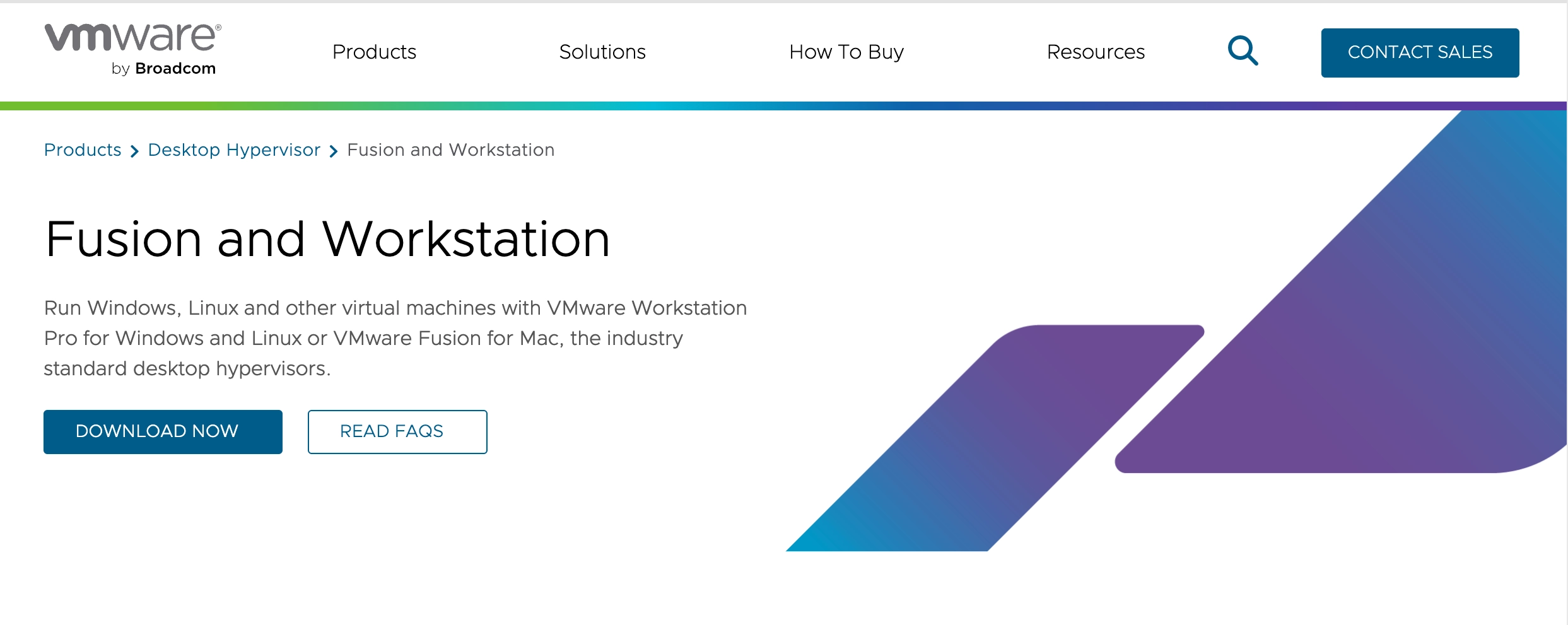
로그인 후 아래 url로 들어가서 download now를 누른다.
https://www.vmware.com/products/fusion.html
Fusion and Workstation | VMware
VMware Workstation and VMware Fusion desktop hypervisors are the industry leaders in local virtualization. Learn how VMware’s local virtualization solutions provide an easier way to build, test and deliver any app for any device or cloud.
www.vmware.com
2. 파일 다운로드
2-1. 제품 검색 및 카테고리 이동
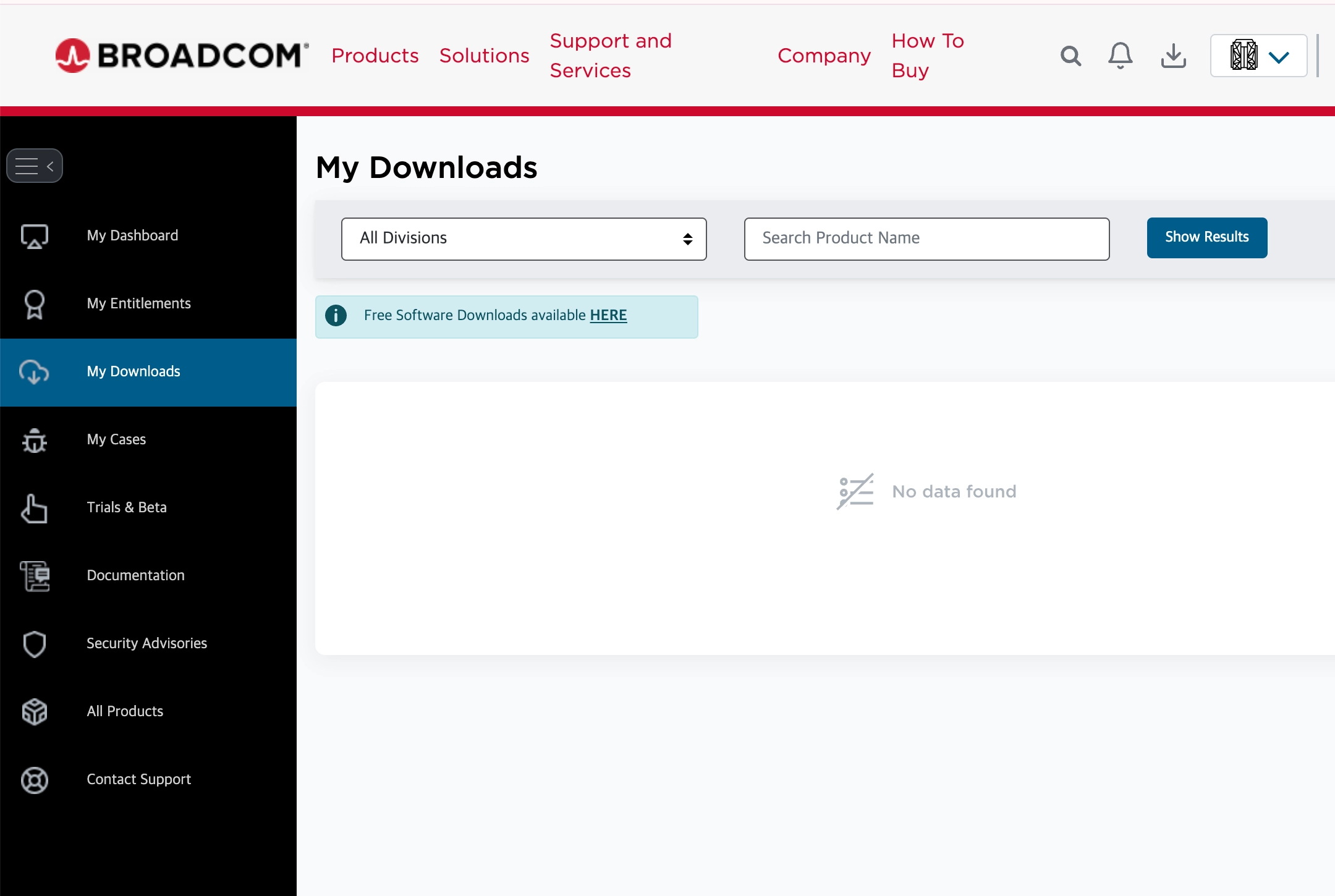
My Downloads에서 Free Sofrware Downloads available HERE 를 누른다.
https://support.broadcom.com/group/ecx/free-downloads
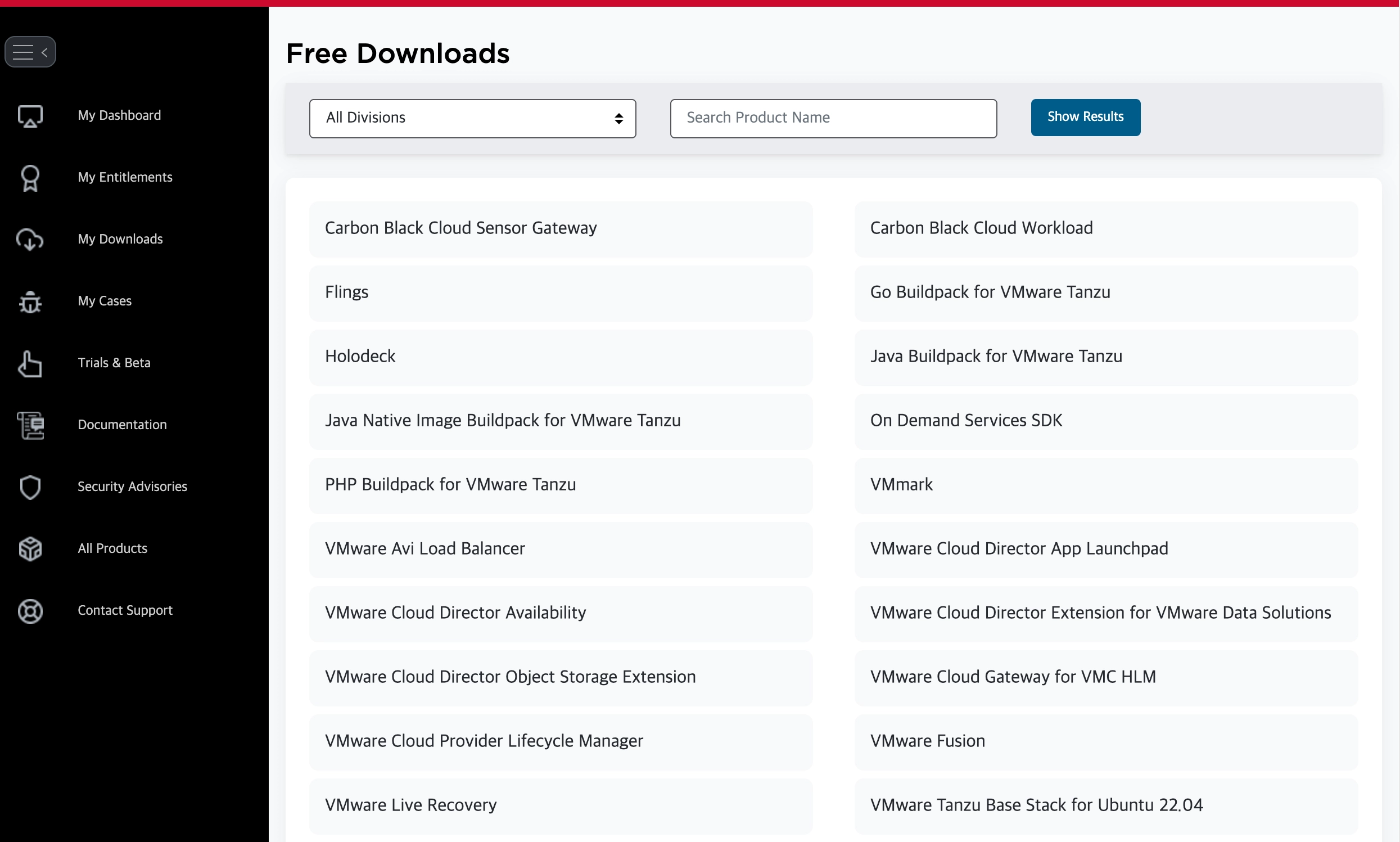
Free Downloads 목록 중 VMware Fusion을 누른다.
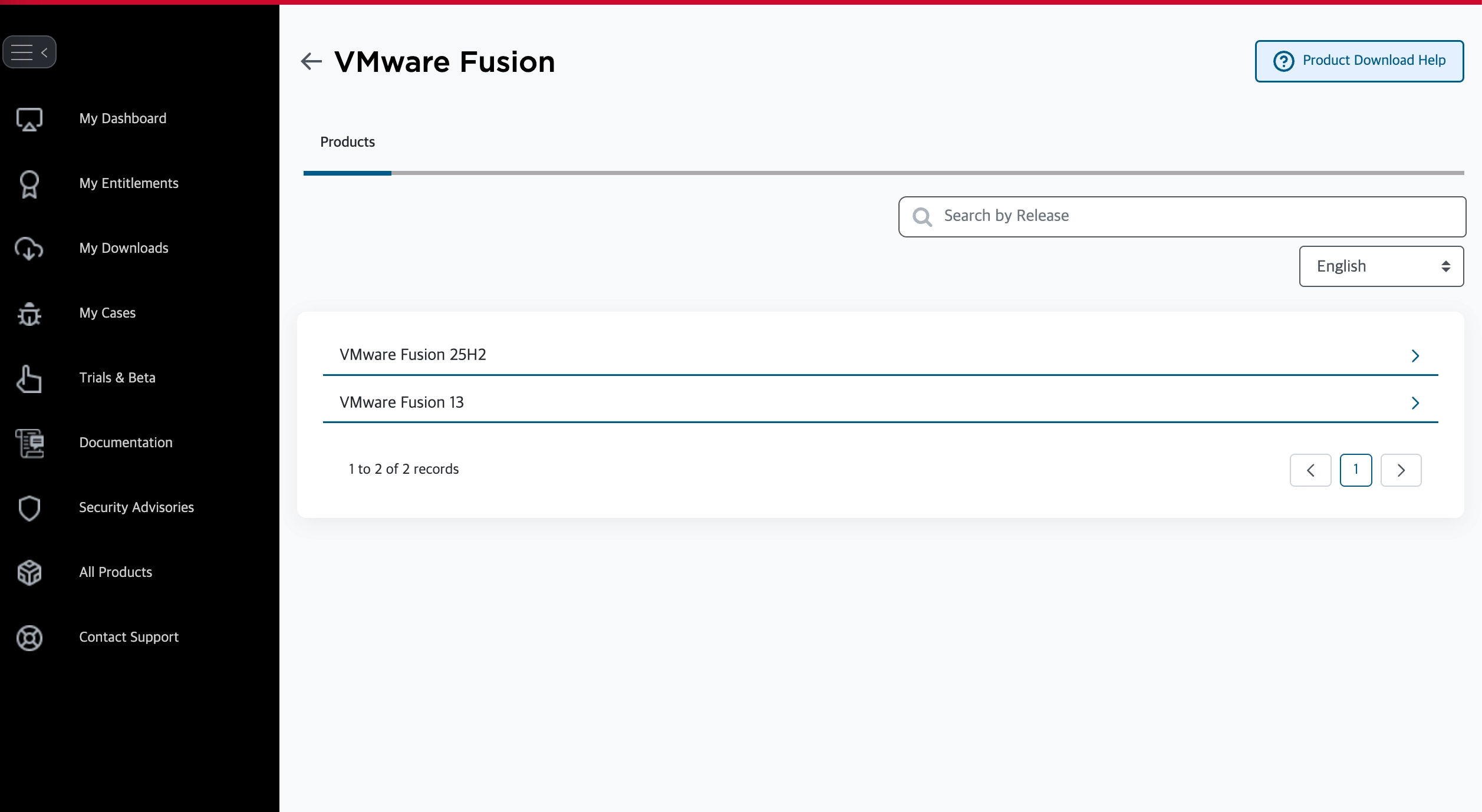
2-2. 상세 버전 선택
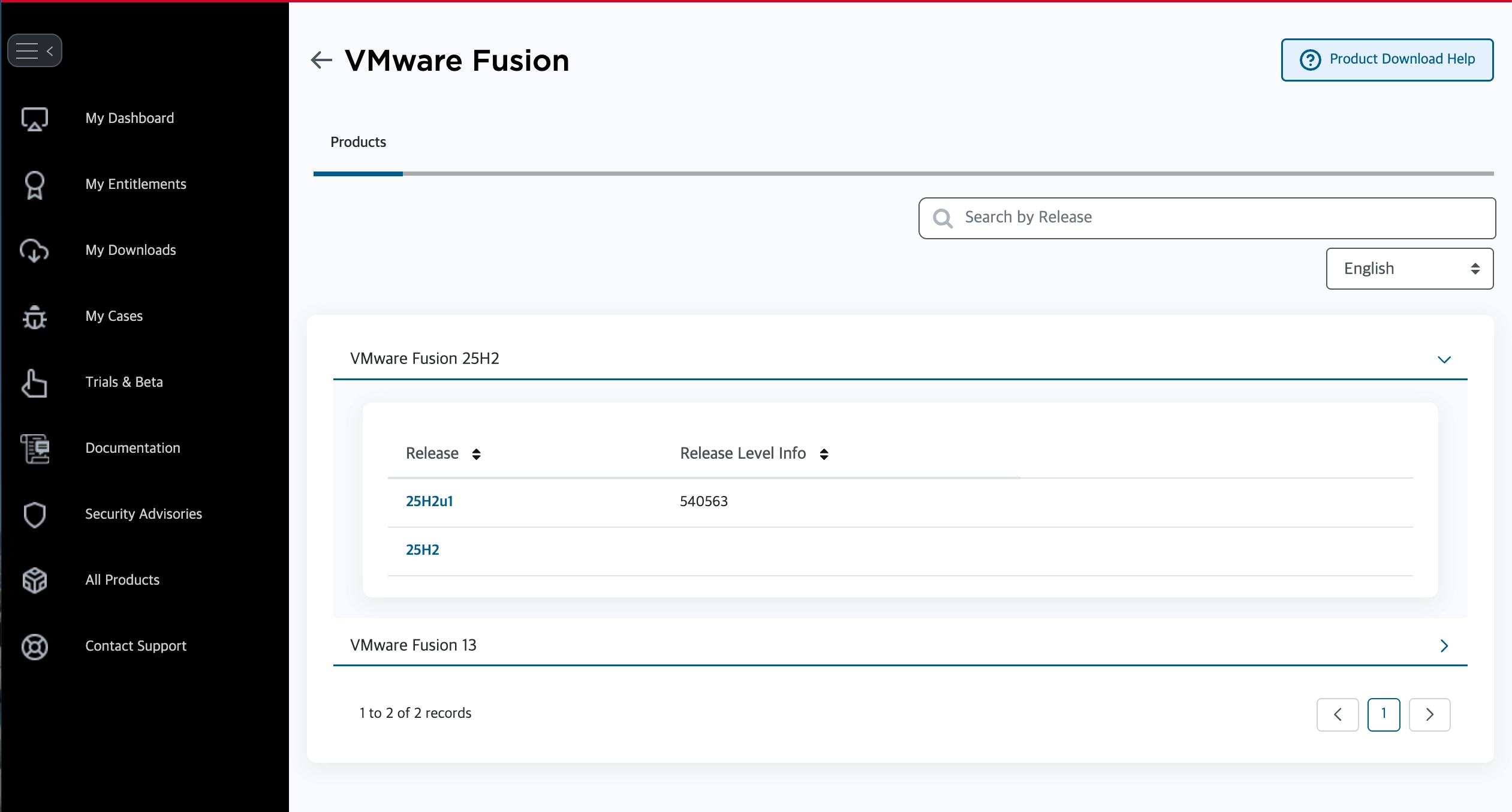
리스트 중 최신 표준인 VMware Fusion 25H2를 클릭한다.
Broadcom이 VMware를 인수한 후 버전 번호를 '연도 + 반기' 방식으로 변경하였다.
25H2는 2025년 하반기에 출시된 최신 표준 버전이다.
25H2u1를 누른다. ‘u1'은 첫 번째 업데이트(Update 1)를 의미한다.
2-3. 라이선스 동의 및 다운로드
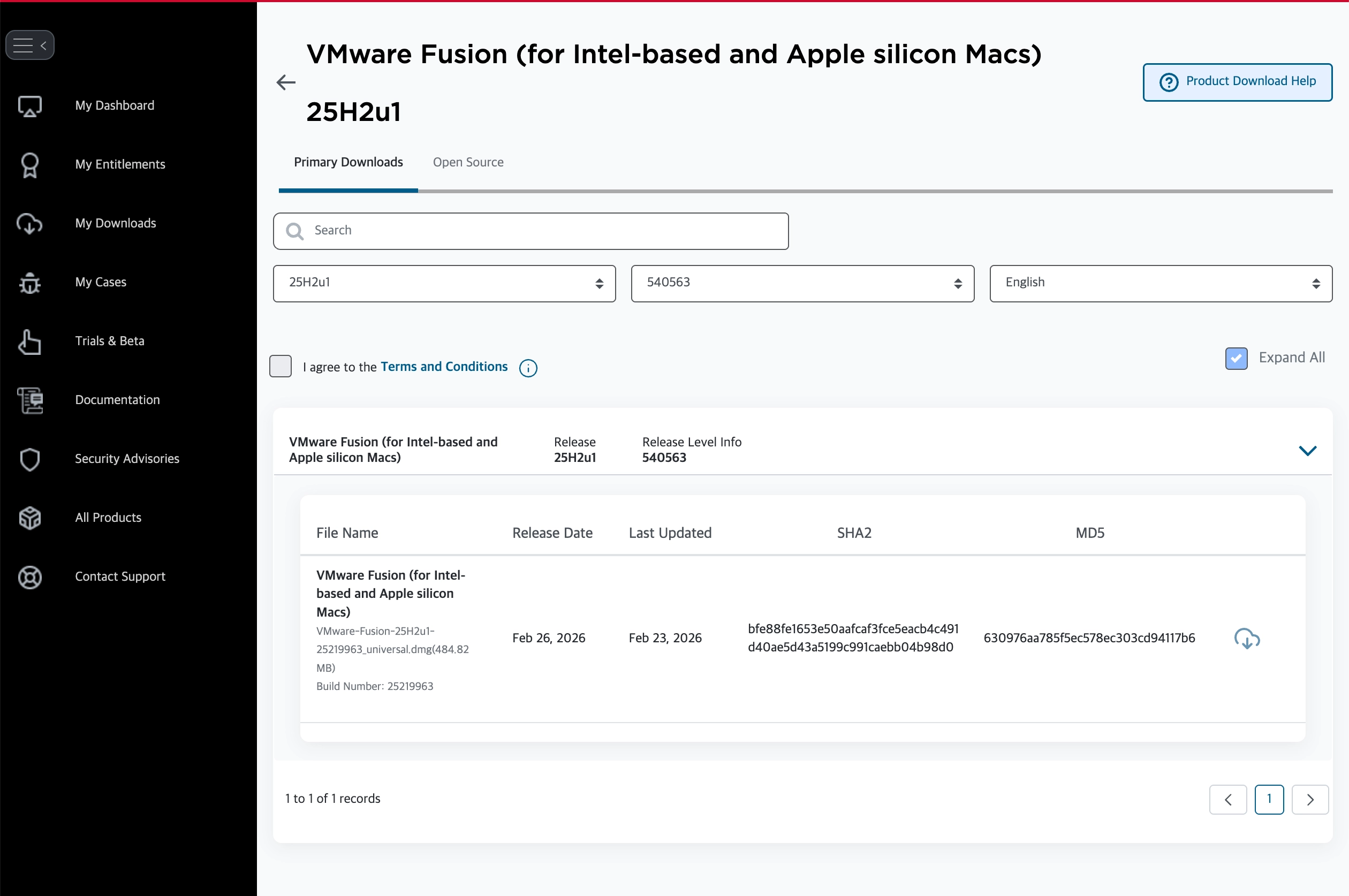
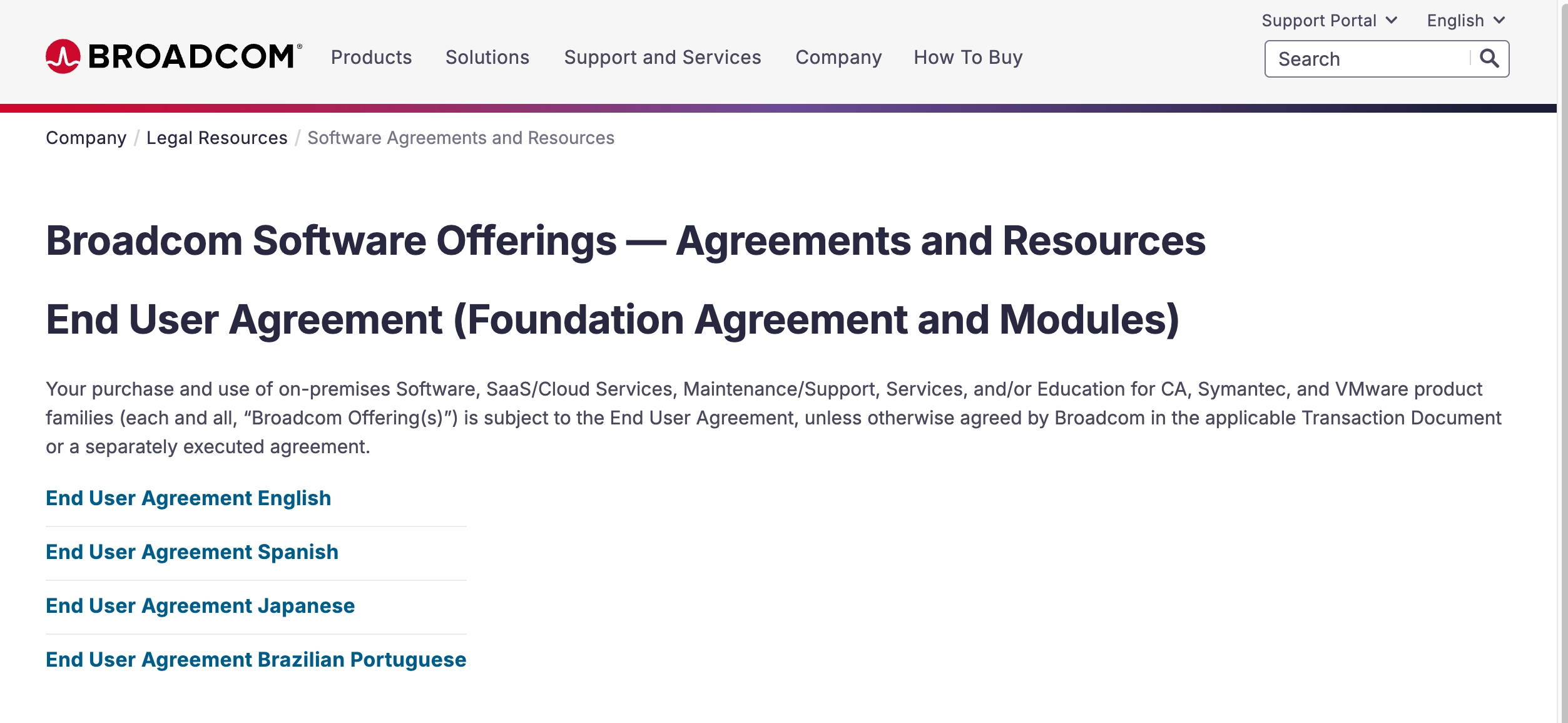
I agree to the Terms and Conditions 체크박스가 비활성화되어 있다면, 옆에 있는 'Terms and Conditions' 하이퍼링크를 먼저 클릭하여 새 창으로 약관을 확인해야 한다. 그 후에야 체크박스를 선택할 수 있게 바뀐다.
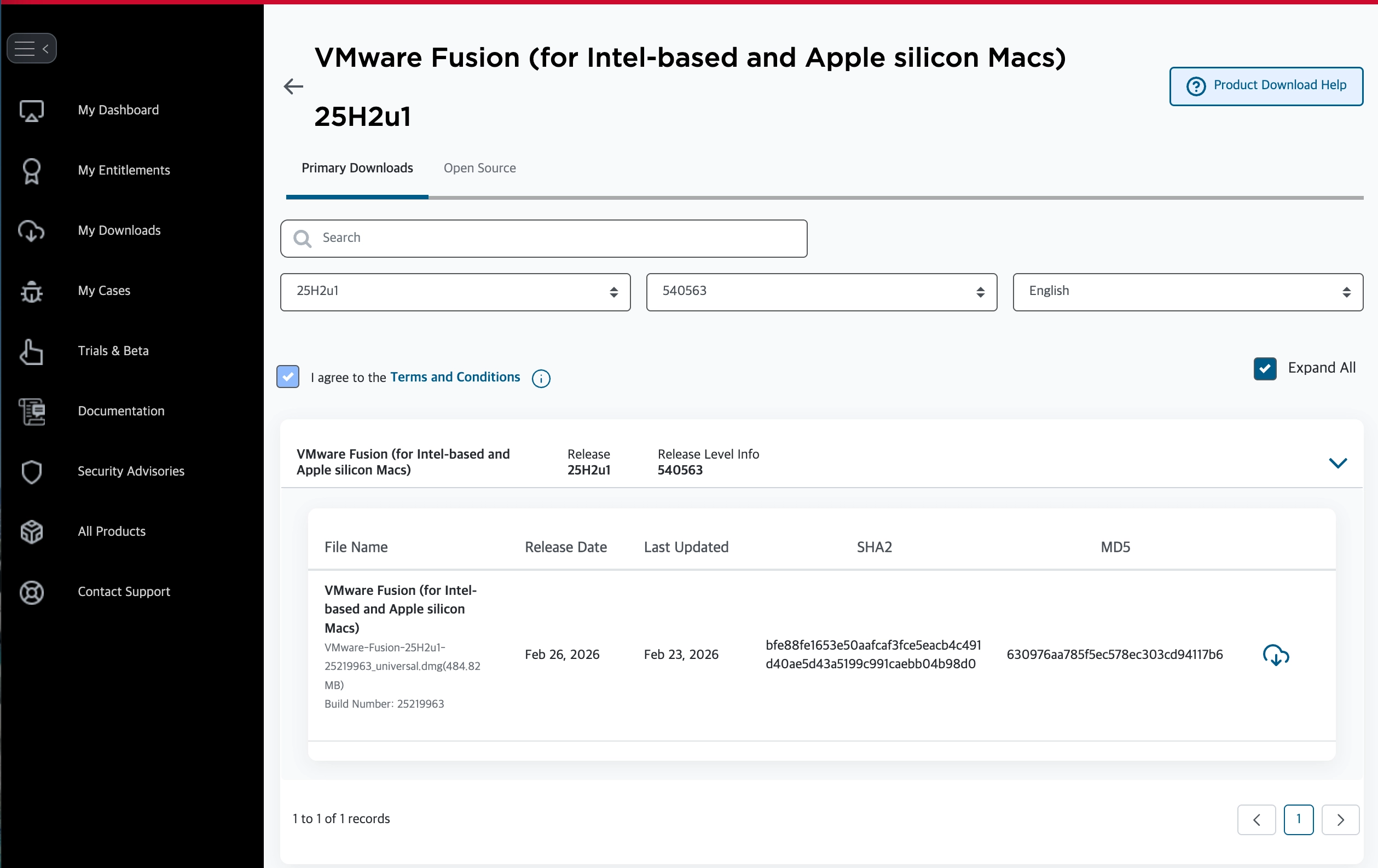
I agree to the Terms and Conditions 체크박스에 체크 후 다운로드 아이콘을 누른다.
만약 Trade Compliance and Download Conditions 양식을 작성하라고 한다면 작성하고 submit 후 다시 다운로드 아이콘을 누른다.
3. 설치 및 실행
다운로드한 .dmg 파일을 실행한다. 아래 창이 떴다면 더블클릭하여 설치를 시작한다.

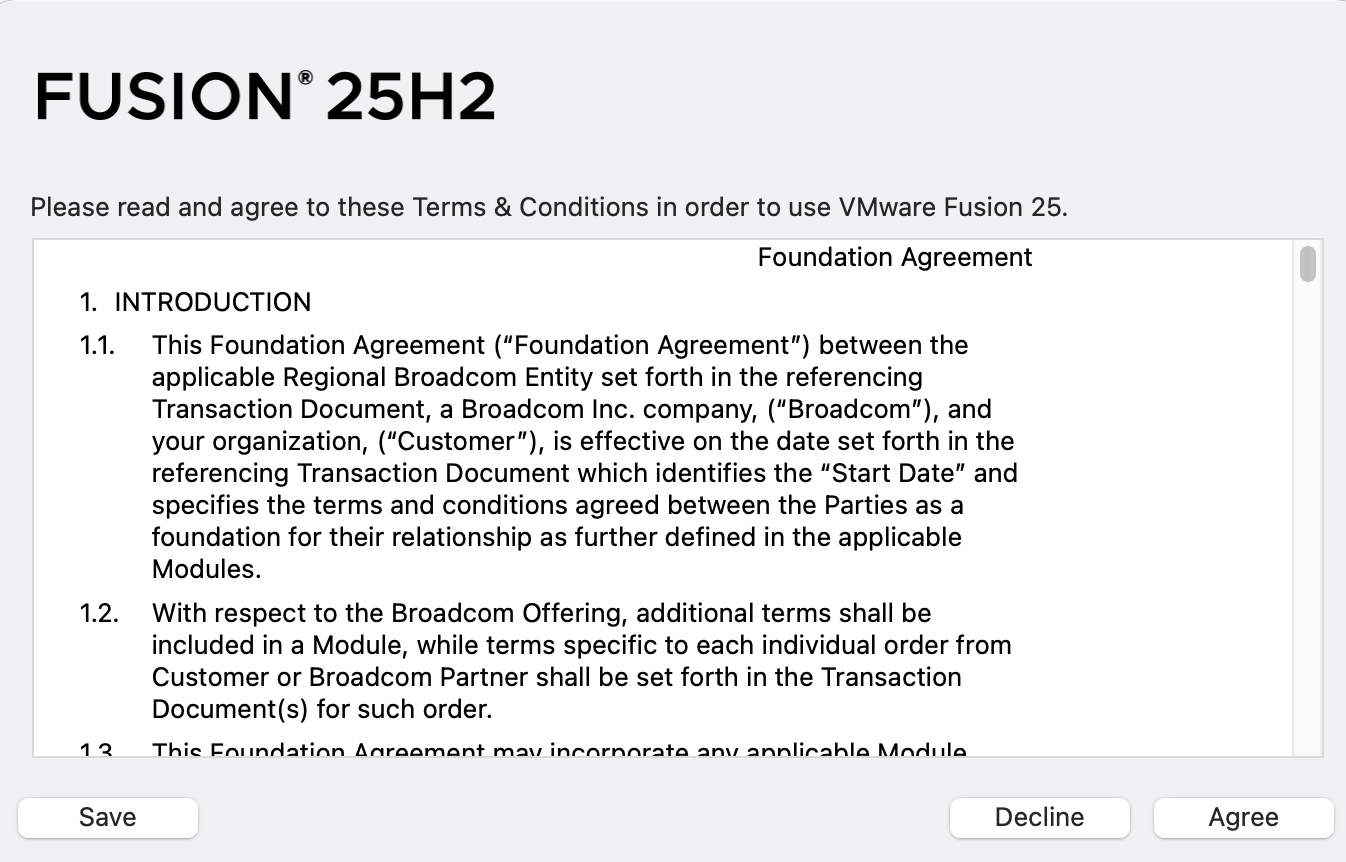

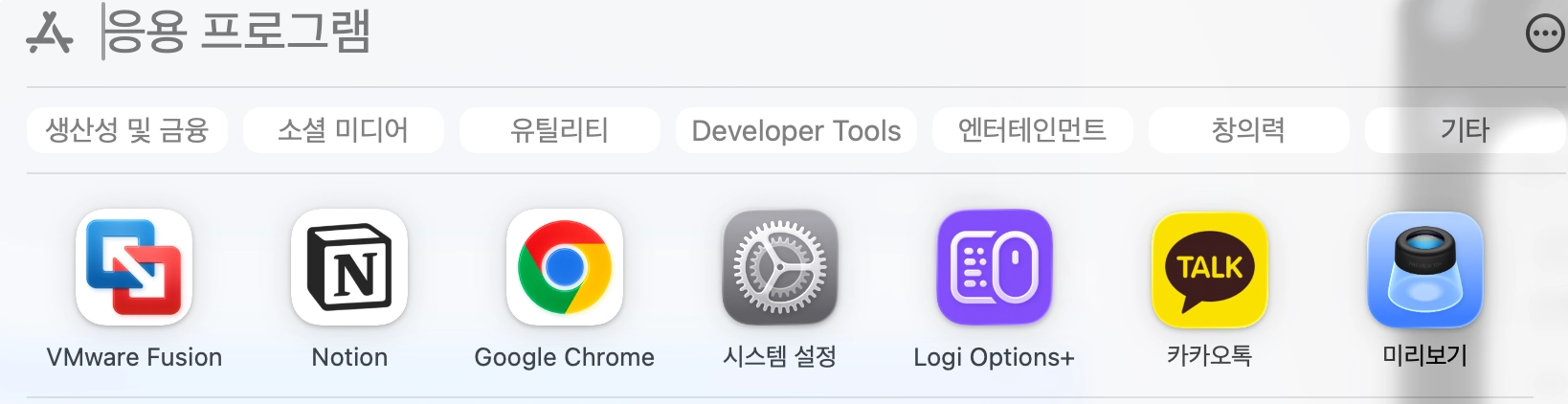
설치가 끝났고 잘 실행되는 걸 볼 수 있다.

'Infra > Virtualization' 카테고리의 다른 글
| [Windows] Windows 11에서 Docker Desktop 설치하기 (0) | 2026.05.10 |
|---|---|
| [macOS] X11 Forwarding 설정으로 Linux VM GUI 프로그램을 Mac에 띄우기 (0) | 2026.05.10 |
| [macOS] UTM 다운로드 및 설치 방법 (0) | 2026.02.10 |
| [Windows] WSL 403 오류 및 업데이트 중단 해결 (Virtual Machine Platform 활성화) (0) | 2026.02.03 |